CAD/CAM software

Arma Design Studio

Cross-platform CAD/CAM for tube-frame design, contoured surfaces, fabrication preparation, and CNC output.

Design and manufacturing in one project

Keep the digital model connected to the part you need to make.

Arma Design Studio (ADS) is a cross-platform CAD/CAM application for design and manufacturing. It runs on Windows, macOS, and Linux, and is especially well suited for tube-frame and contoured-surface projects, with a strong focus on automotive and mechanical fabrication.

ADS combines advanced 3D modeling, surface meshing, and fabrication-aware tools to bridge the gap between design and manufacturing. Its most mature workflows focus on tube-frame structures, but the platform also supports a wide range of mechanical and industrial design projects.

Core modeling tools are available for free. Optional perpetual licenses unlock manufacturing outputs and advanced automation as your workflow moves from design into production.

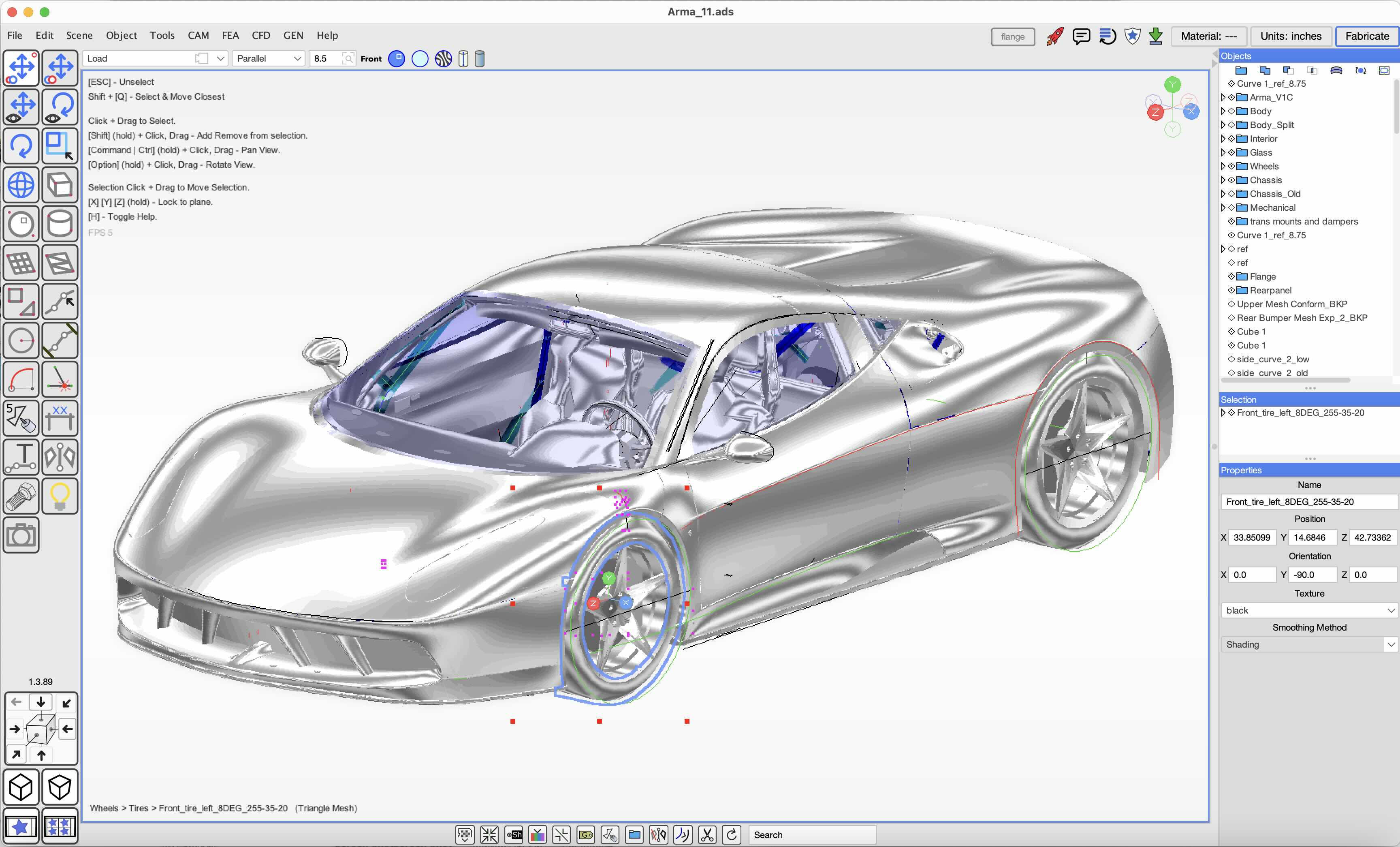
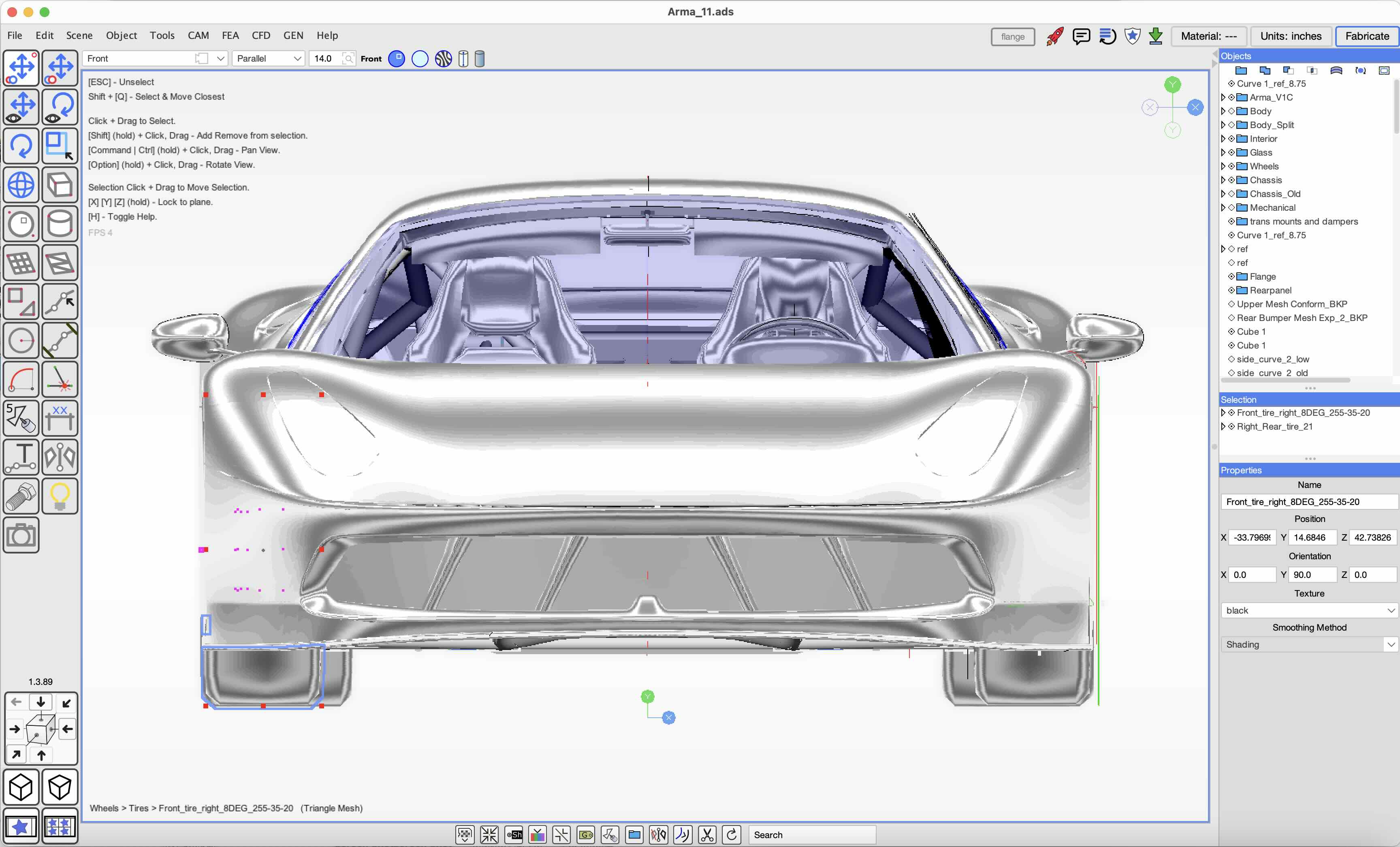
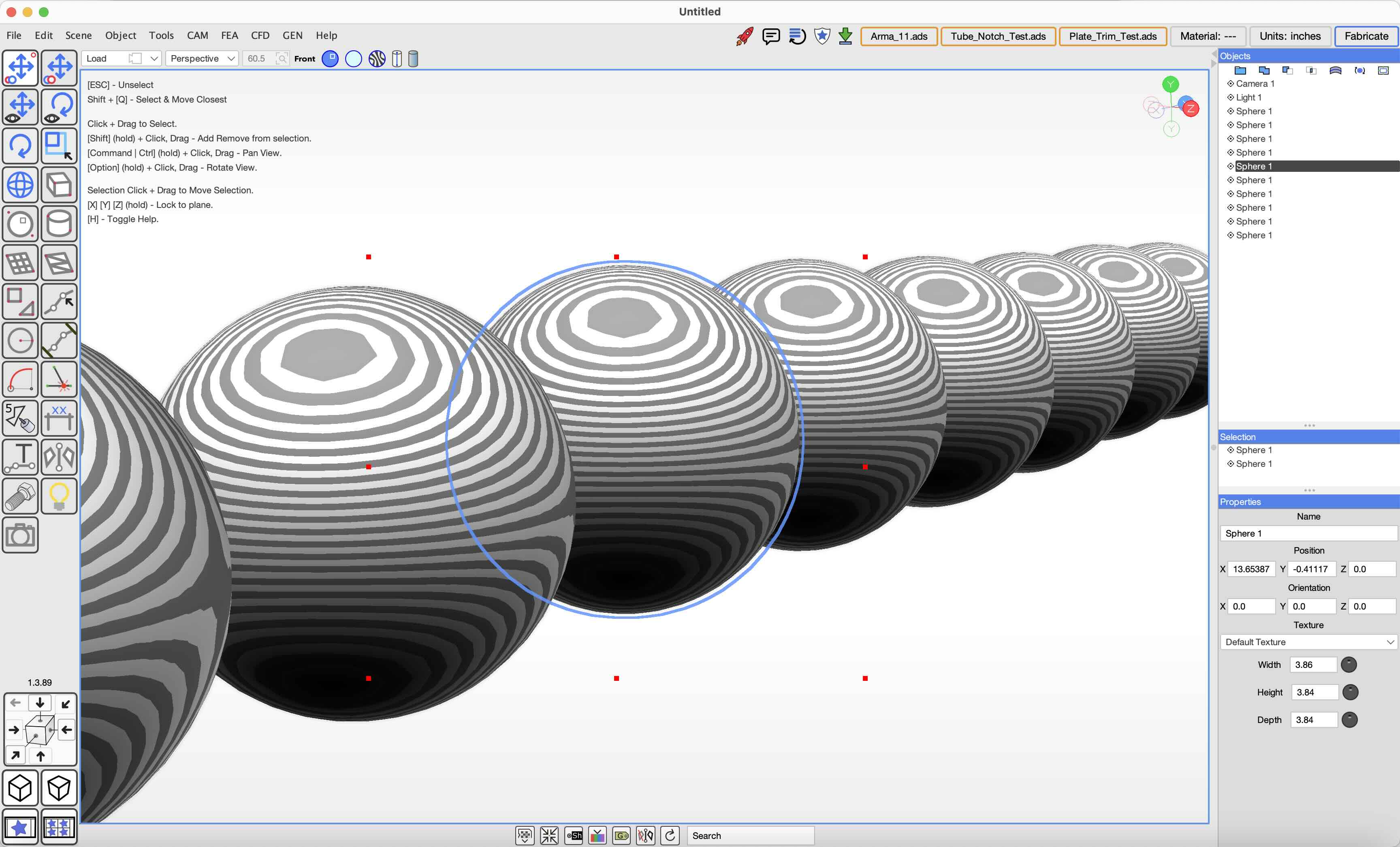
Arma Design Studio CAD/CAM interface
Arma Design Studio project view Arma Design Studio modeling interface Arma Design Studio object and properties view

Feature tiers

Start free, then unlock manufacturing output.

All ADS licenses are perpetual. Each paid tier includes 12 months of updates; the current version continues to work if maintenance is not renewed.

Design Modeling Features

Free

For builders, students, and teams designing tube-frame and automotive projects.

  • Simple interface with click-to-activate tools, drag-to-draw behavior, auto-focus navigation, and context-sensitive help.
  • Import/export for .ads, .obj, .gcode, .dxf, .stl, .step, and .pdf.
  • Parametric and direct tube modeling, coped joints, tabs, slots, and attachments.
  • Contoured meshes, curves, annotations, geometric shapes, mirroring, and boolean operations.
  • Complex scene management with nesting, visibility controls, search, grouping, automatic backups, and concurrent-edit detection.
Manufacturing 1: Tube Fabrication

$249 perpetual license

For builders who want CNC tube notching, manual bend instructions, and CNC-cut plate parts.

  • Generate GCode for 3D tube notching, coped intersections, bend markers, holes, tabs, and slots.
  • Generate 3D tube-bending PDF instructions for manual fabrication.
  • Generate GCode for 2.5-axis routers and 2-axis plasma tables.
  • Export 3D tube notches as pie-cut segments when CNC bending is not available.
  • Includes a G43.4 post-processor for 5-axis machines without TCP support.

Manufacturing 2: Full CNC

$349 perpetual license

For businesses and advanced manufacturers that need full CNC tube, routing, nesting, and quoting workflows.

  • Includes every Manufacturing 1 feature.
  • Generate 3D tube-bending GCode for CNC bender automation.
  • Tube Notch Nesting produces GCode and PDF cut plans while minimizing offcuts.
  • Generate 5-axis routing GCode for contoured parts on head-head B/C machines.
  • Generate PDF invoices for quoting and product-cost calculations.

Unlocked: Full CNC + Generative Design

$399 perpetual license

For advanced users wanting manufacturing features plus early access to experimental design automation.

  • Includes Manufacturing 1 and Manufacturing 2.
  • Experimental tools for tube routing, chassis design analysis, CFD, FEA, and related workflows.
  • Access to experimental design automation, generative features, and AI integration as they evolve.

Downloads

Get ADS for your platform.

Latest version listed on the original product page: 1.4.35, released July 1, 2026. Downloads currently remain on the ARMA download service while the sites are being separated.

Windows x64Intel/AMD installer, approximately 75 MB. If the primary Windows version does not start, use the alternate installer.Download Windows installer →
macOS Apple SiliconARM64 zip, approximately 40 MB. Before the first launch, remove the quarantine attribute as described in the installation instructions.Download macOS version →
Linux x64Intel/AMD zip, approximately 41 MB. Extract the archive and run the ADS application from a terminal.Download Linux version →

Tube fabrication workflow

From a frame model to machine output.

ADS is designed to keep tube-frame work practical. Model tube members, import a project from another CAD package, convert geometry into editable tube objects, then prepare the joints and manufacturing outputs required by the shop.

  • Model round tube with parametric or direct tools.
  • Import tube-frame or surface geometry from other CAD software.
  • Add tube-end notches, intersection notches, tabs, slots, and attachments.
  • Add bend markers and export manual bending instructions.
  • Export CNC GCode for notching, bending, plate cutting, routers, and 5-axis workflows.
  • Use nesting, backups, file locking, and concurrent-edit warnings for project safety.
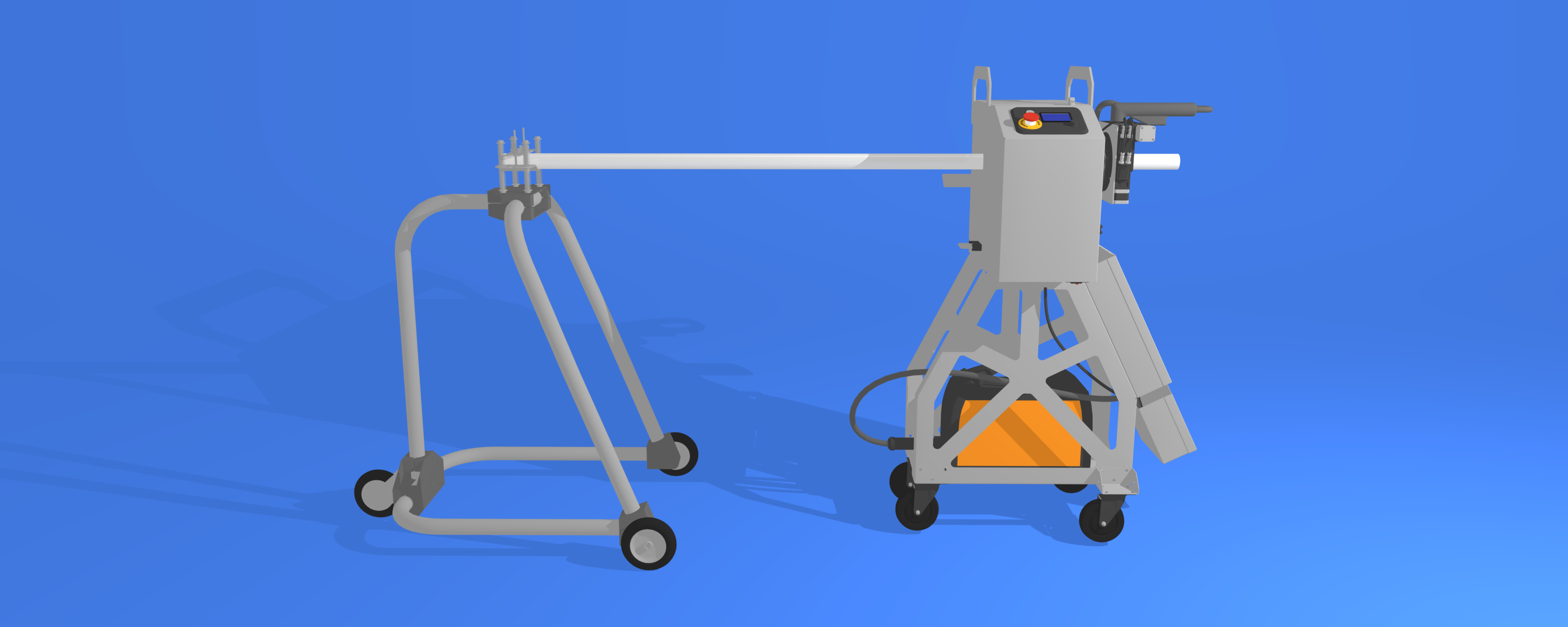
CNC tube fabrication supported by Arma Design Studio

Installation and requirements

Platform notes.

Windows

Run the installer and launch ADS from the desktop icon or Start menu. The alternate Windows version is available for systems where the primary version does not start.

macOS

ADS runs on recent macOS versions on Apple Silicon hardware. Extract the zip, then run xattr -d com.apple.quarantine ArmaDesignStudio.app in Terminal before the first launch.

Linux

ADS runs on most x64 Linux distributions. Extract the zip and run ./ArmaDesignStudio from the application folder.

Input devices

Supported operating systems are Windows, macOS, and Linux. A 3DConnexion SpaceMouse Compact with USB cable has partial support.

Learning and support

Topics covered by the ADS documentation.

The original ADS tutorial library is being moved into the automation site as structured resources.

  • Install ADS
  • ADS user interface
  • Import files
  • System requirements
  • Backups and recovery
  • Collaboration and file locking
  • License keys and activation
  • Model round tube
  • Notch tube ends and intersections
  • Tabs and slots on notches
  • Bent tube
  • Flanges
  • Import chassis designs
  • Chassis design analysis
  • Model square tube
  • Tube pie cuts
  • Tube notch and bend PDF
  • Export CNC tube notches
  • Export CNC tube bends
  • Export CNC plate cuts
  • Export 5-axis router GCode
  • GCode post-processors
  • Tube nesting
  • Plate part layout
  • CNC control
  • Tube-joint welding
  • Mesh surfaces and display modes
  • Import 3D models
  • AI and agent automation tools
Annual maintenance: Maintenance includes continuous updates during the active term, priority email support, and access to sample CAD/CAM projects and workflow resources. Your perpetual license continues to work if you do not renew.

Need help choosing a license?

Tell us which machines and fabrication outputs you use, and we can point you to the appropriate ADS tier.